
How to Download MulaEarn App (Complete Step-by-Step Guide)
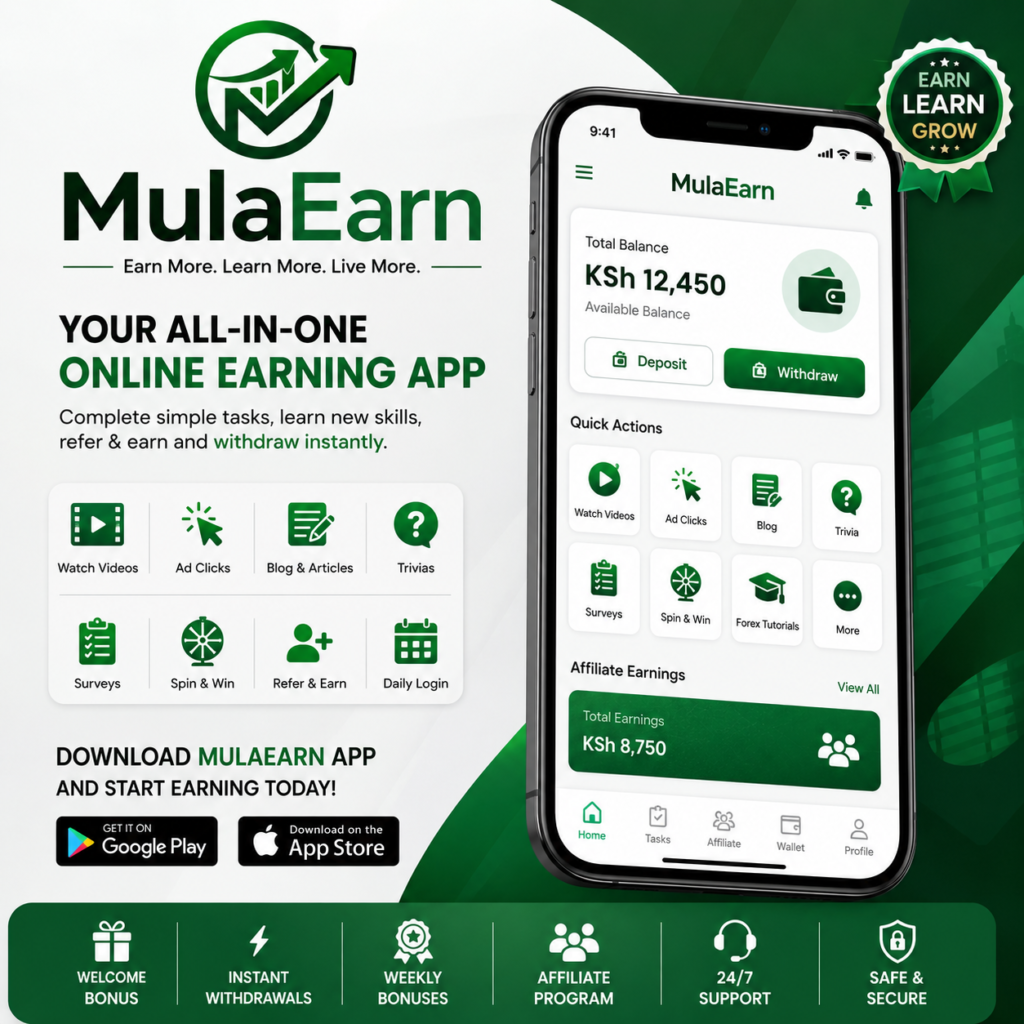
MulaEarn App is an online earning platform that enables users to earn money by completing simple digital tasks such as watching videos, clicking advertisements, blogging, answering trivia questions, and participating in other rewarding activities.
If you’re ready to start earning online, follow this detailed guide to safely download and install the MulaEarn App on your Android device.
🔹 Requirements Before Downloading
Before downloading the app, make sure you have:
- ✅ An Android smartphone
- ✅ A stable internet connection
- ✅ At least 100 MB of free storage space
- ✅ Sufficient battery power for installation
✅ Step 1: Visit the Official MulaEarn Website
Open your preferred web browser, such as Google Chrome, Opera Mini, Firefox, or Microsoft Edge, and visit the official MulaEarn website:
Always ensure you are downloading the app from the official website to protect your device and account from fake or malicious downloads.
✅ Step 2: Find the Download Button
After the website loads:
- Scroll to the bottom of the homepage.
- Locate the “Download MulaEarn App” button.
- Tap the button to begin downloading the application.
✅ Step 3: Download the MulaEarn APK File
After clicking the download button:
- The MulaEarn APK file will begin downloading automatically.
- Wait for the download to finish.
- You can monitor the progress from your phone’s notification panel.
Important:
The MulaEarn App is distributed as an APK file and may not be available on the Google Play Store. Download it only from the official MulaEarn website.
✅ Step 4: Allow Installation from Unknown Sources
If this is your first time installing an APK manually, Android may block the installation.
To enable installation:
- Open Settings on your phone.
- Tap Security or Privacy (the name may vary depending on your device).
- Enable Install Unknown Apps or Install from Unknown Sources.
- If prompted while opening the APK, simply grant the required permission.
✅ Step 5: Install the MulaEarn App
Once the APK has finished downloading:
- Open your Downloads folder.
- Tap the MulaEarn APK file.
- Select Install.
- Wait for the installation to complete.
After a successful installation, the MulaEarn icon will appear on your home screen or app drawer.
✅ Step 6: Open the App and Create Your Account
You’re now ready to get started.
- Launch the MulaEarn App.
- Tap Sign Up or Register.
- Enter your correct personal details.
- Create your account and complete the activation process.
Always use accurate information to avoid future issues with account verification, login, or withdrawals.
💰 Start Earning with MulaEarn
After activating your account, you can begin completing available tasks to earn rewards, including:
- 🎥 Watching TikTok and YouTube videos
- 📢 Viewing or clicking advertisements
- ✍️ Blogging and writing articles
- ❓ Answering trivia questions
- ♟️ Playing chess and draughts
- 📚 Learning through beginner Forex tutorials
The more active you are, the greater your earning opportunities may become.
🔥 Tips for the Best Experience
- Always download the app from https://mulaearn.net/.
- Keep your username and password secure.
- Log in daily to complete available tasks.
- Check your dashboard regularly for new earning opportunities, bonuses, and platform updates.
- Keep the app updated whenever a new version is released.
🚀 Ready to Download MulaEarn?
Visit https://mulaearn.net/ today, download the MulaEarn App, create your account, and begin exploring the earning opportunities available on the platform.